 Get the Apps

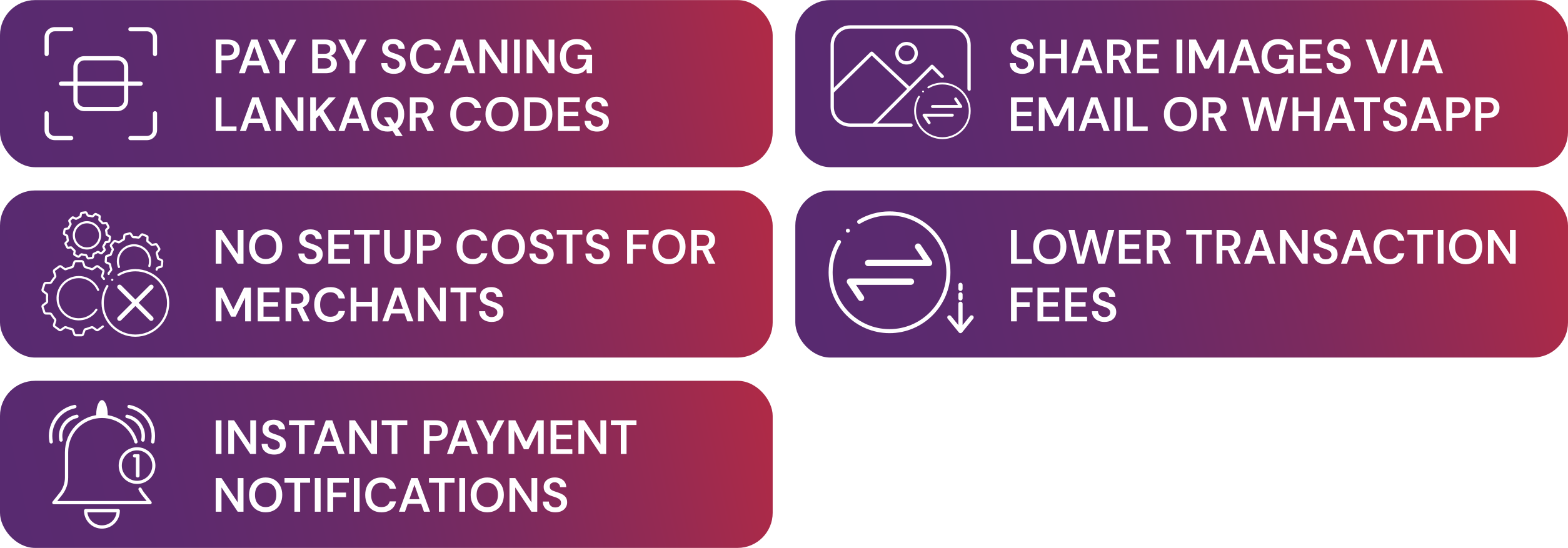
Why choose Lanka QR
Accept payments with no setup costs, lower transaction fees and instant payment notifications- built for
small businesses.
How it works
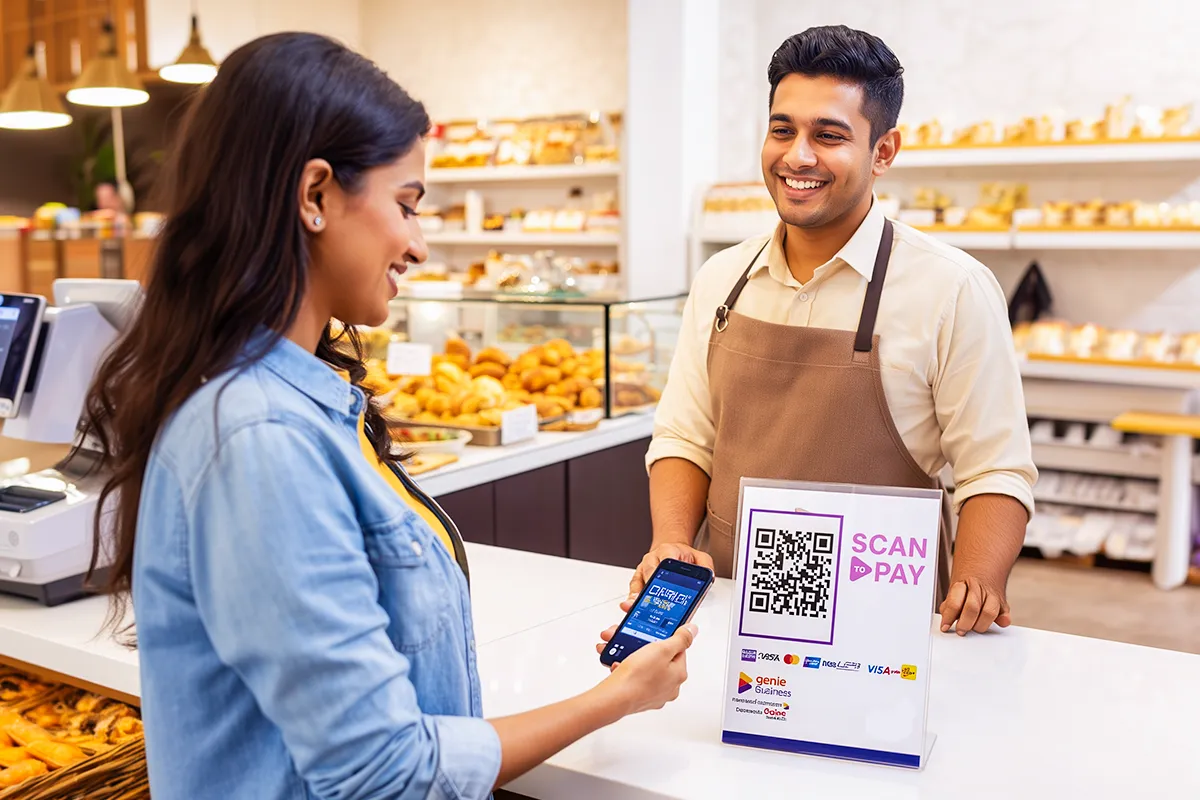
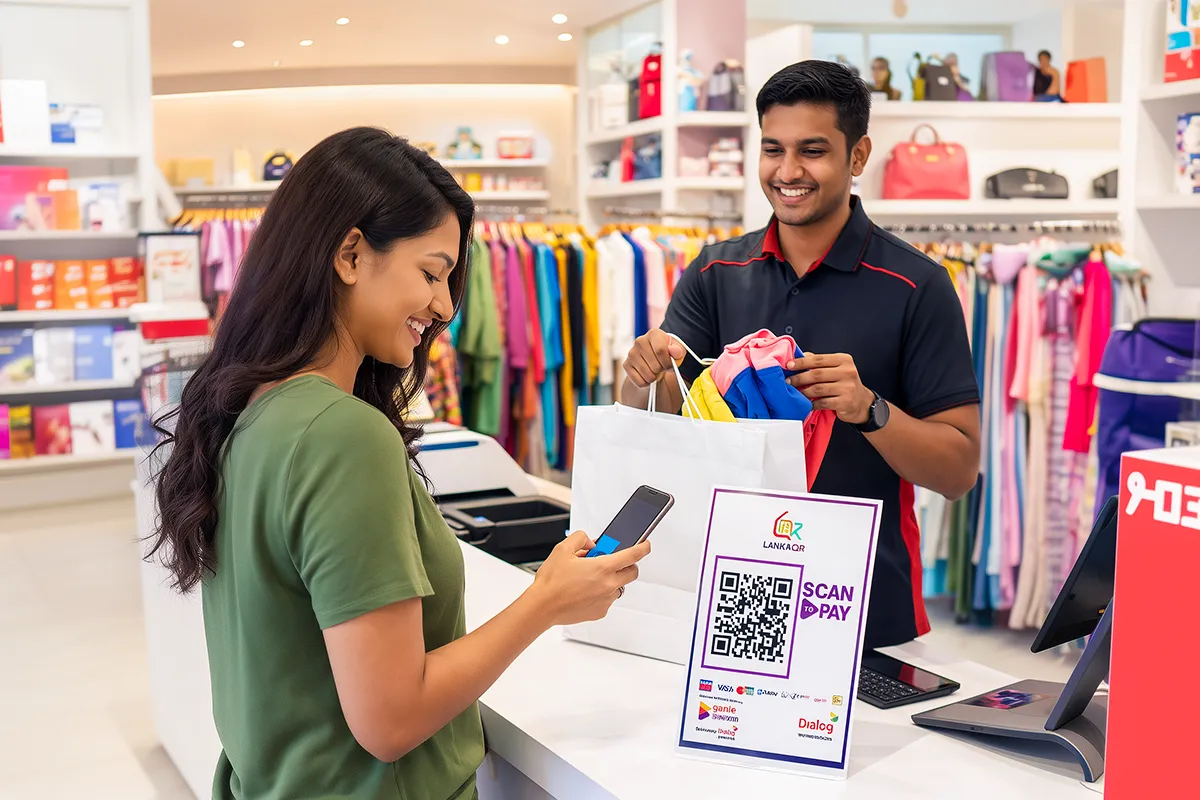
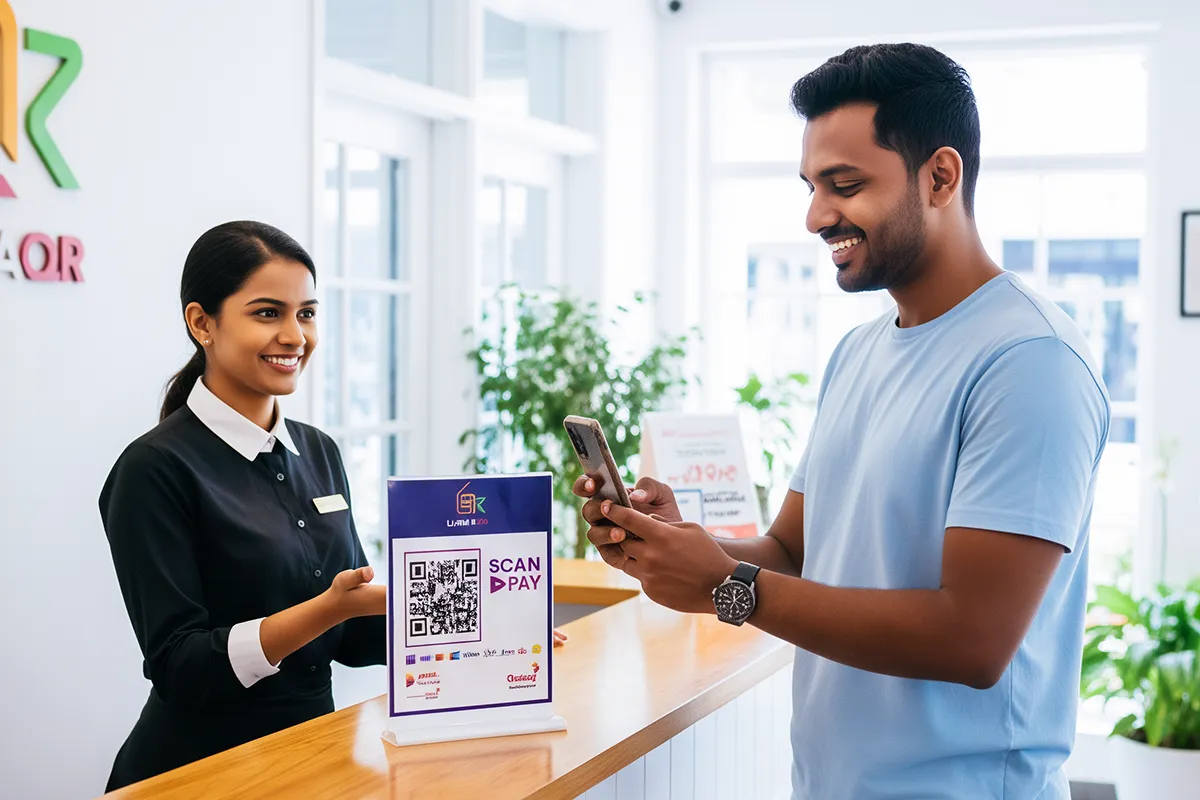
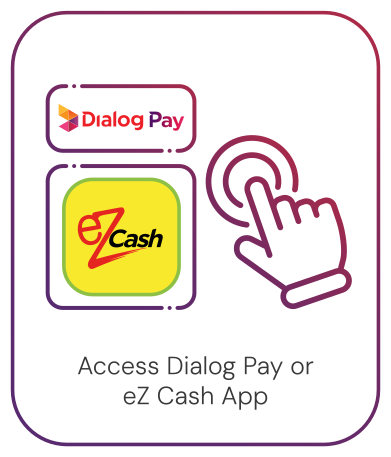
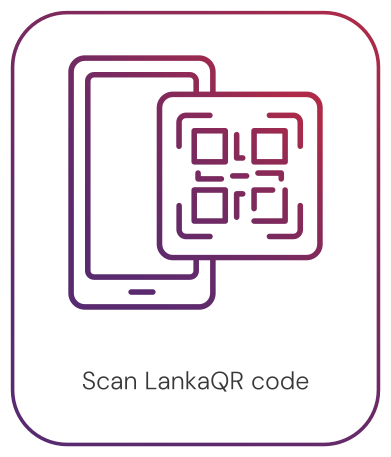
Open Dialog Pay or eZ Cash app, scan the LankaQR code, confirm the payment using linked bank account,
card,
or eZ Cash wallet, and receive an instant SMS confirmation.
Frequently Asked Questions
On the Dialog Pay app select Scan QR > Scan the merchant’s QR
Code
and enter amount to pay.
In order to use Scan QR, you need to be a Dialog Pay user, with
the
Dialog Pay application downloaded to your smartphone and Linked Savings / Debits card
account. If you wish to make payments using Scan QR, you must have sufficient funds in
your Savings/Current account or Debit / Credit Card.
Minimum per transaction limit LKR 10/- and Maximum limit per
transaction is LKR 200,000/-