 Get the Apps

Why choose GovPay
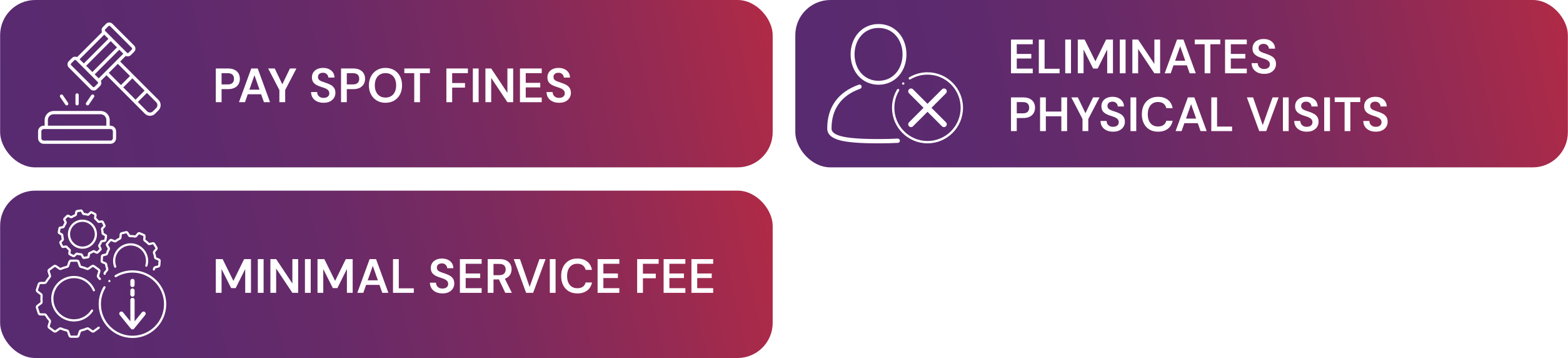
Pay spot fines on the spot- the officer receives instant payment confirmation, and your license is
released immediately. A minimal service fee applies per transaction.



How it works
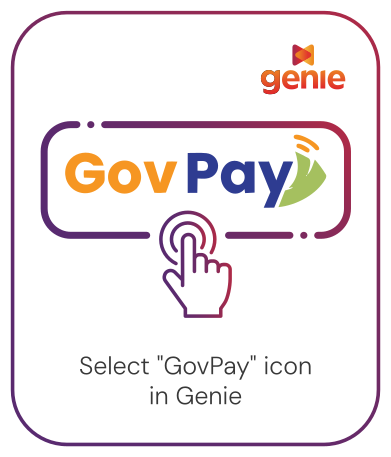
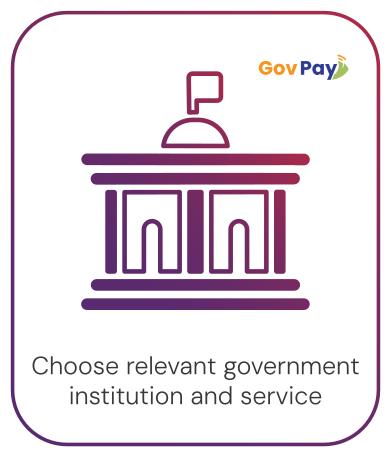
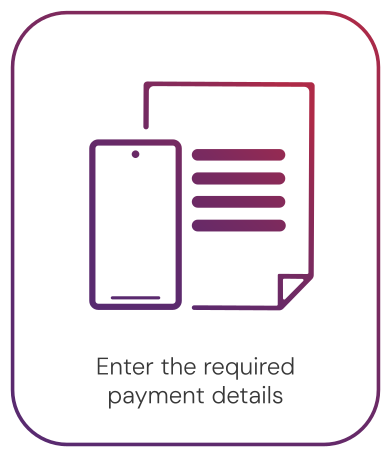
Log in and select the "GovPay" icon. Choose the relevant government institution and service, enter the
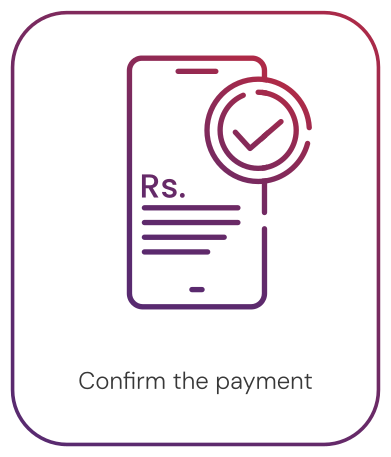
required payment details (Reference Number, NIC, amount, and contact information), confirm the payment.
Frequently Asked Questions
You can easily make government payments using the Dialog Pay App through the GovPay
service.
Steps to pay:
- Download the Dialog Pay App to your mobile phone and complete the registration process.
- Open the Dialog Pay App on your mobile phone.
- Select the GovPay icon from the list of available services.
- Choose the government service you want to pay for (tax, license, fine, utility, etc.).
- Enter the required payment details such as the bill number, reference ID, and payment amount.
- Confirm and complete the payment using your Smart Account.
- You will receive a digital confirmation or receipt within the app and via SMS.
Using GovPay through the Dialog Pay App, you can make payments for:
- Taxes and revenue payments
- License and permit fees
- Traffic fines
- Local government or Divisional Secretariat payments
- University and educational fees
- Other government-related payments supported by GovPay
Yes. After completing your payment, you will receive a digital
receipt inside the Dialog Pay App
and an SMS confirmation for your records.